Six Views for Every Part of Your Broadcast
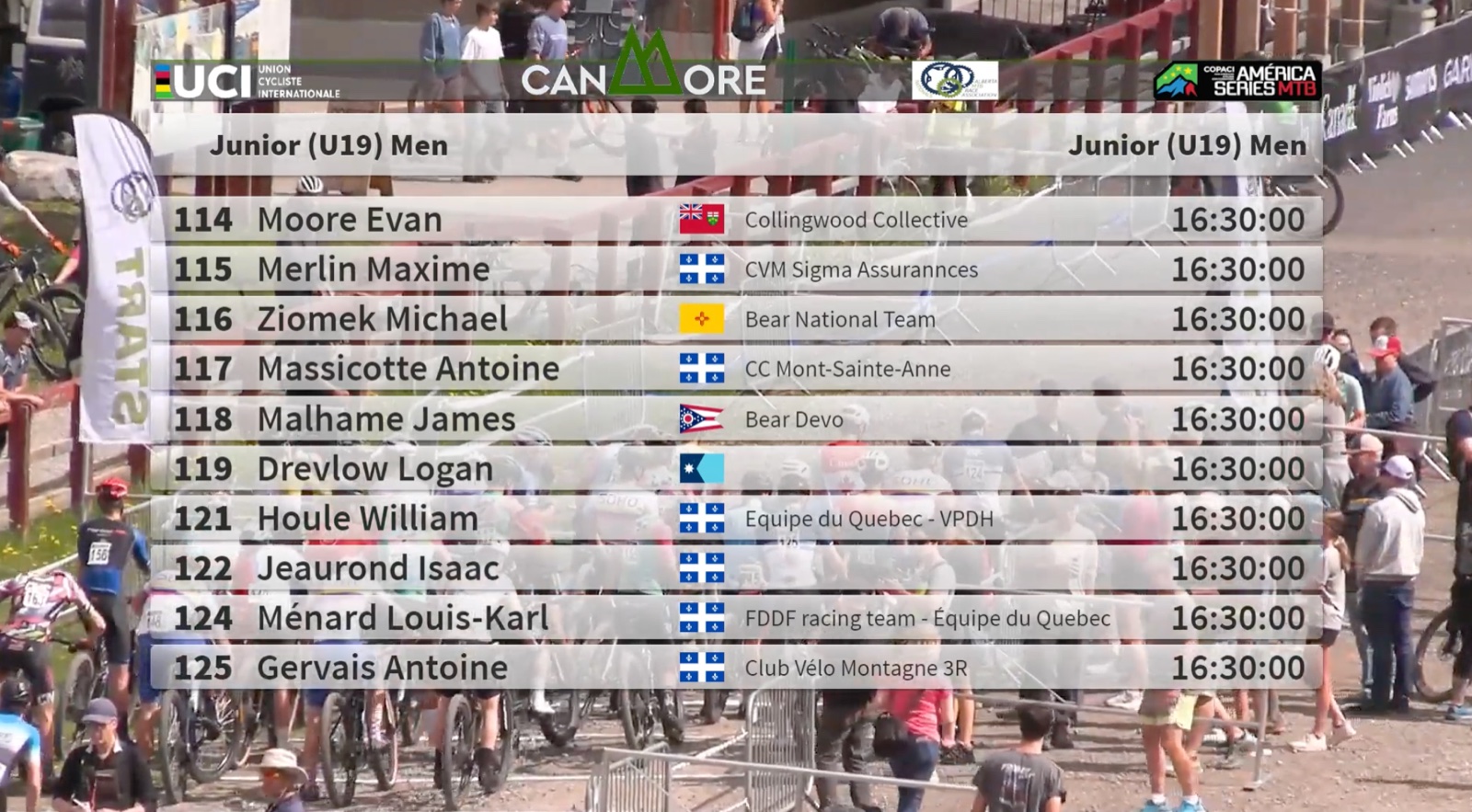
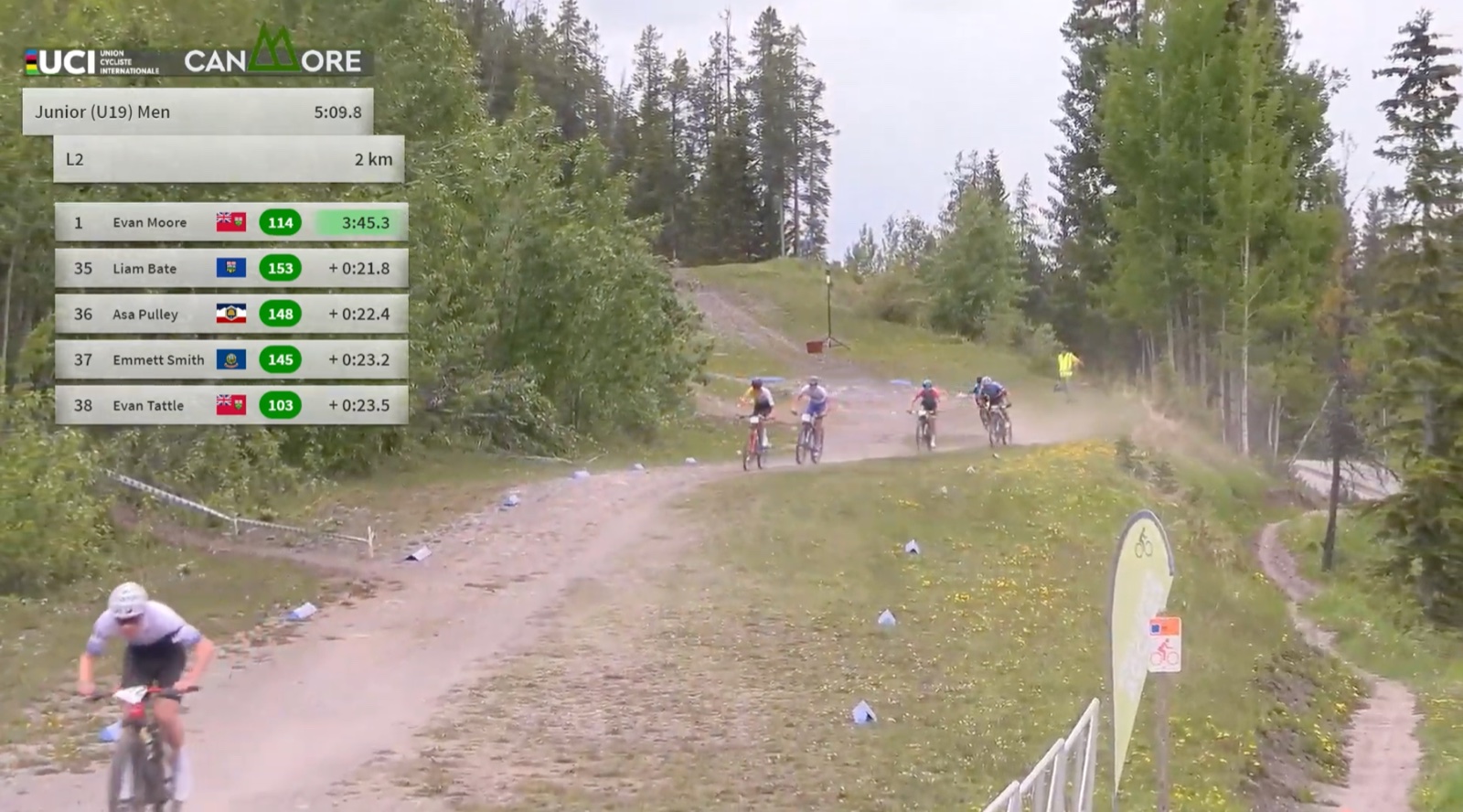
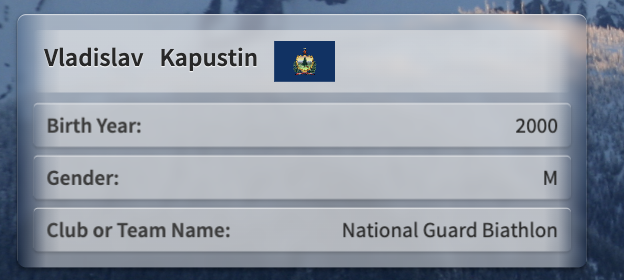
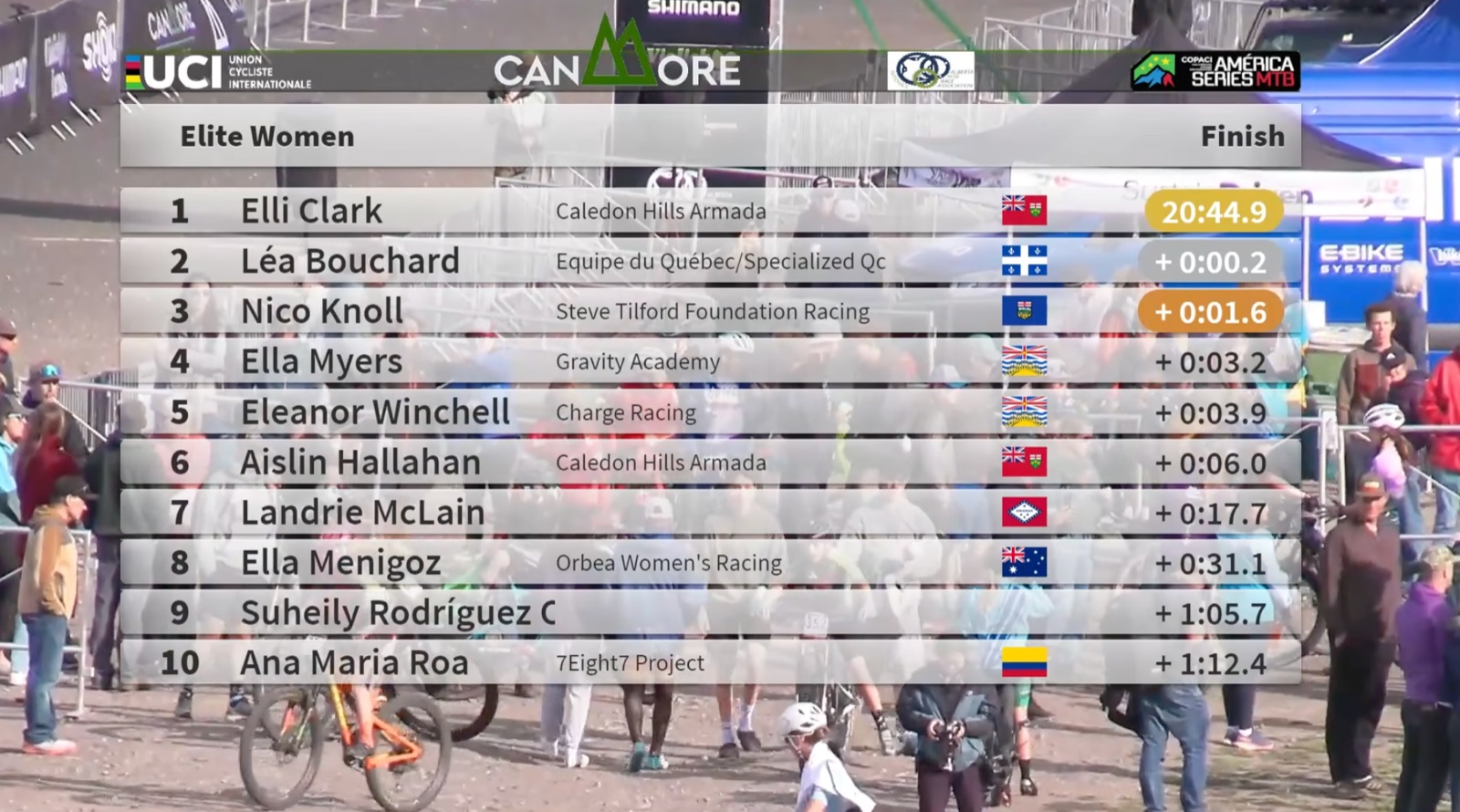
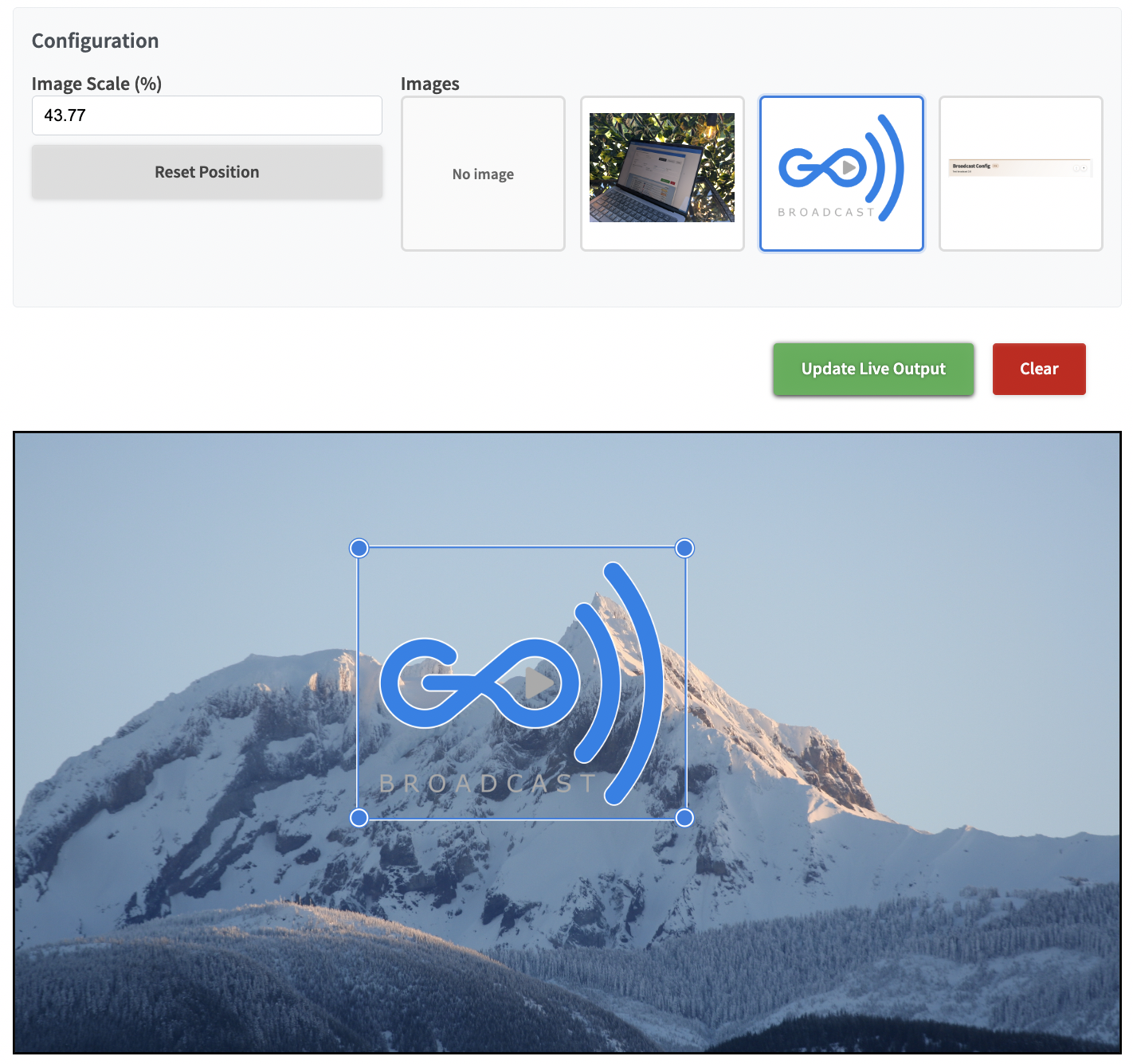
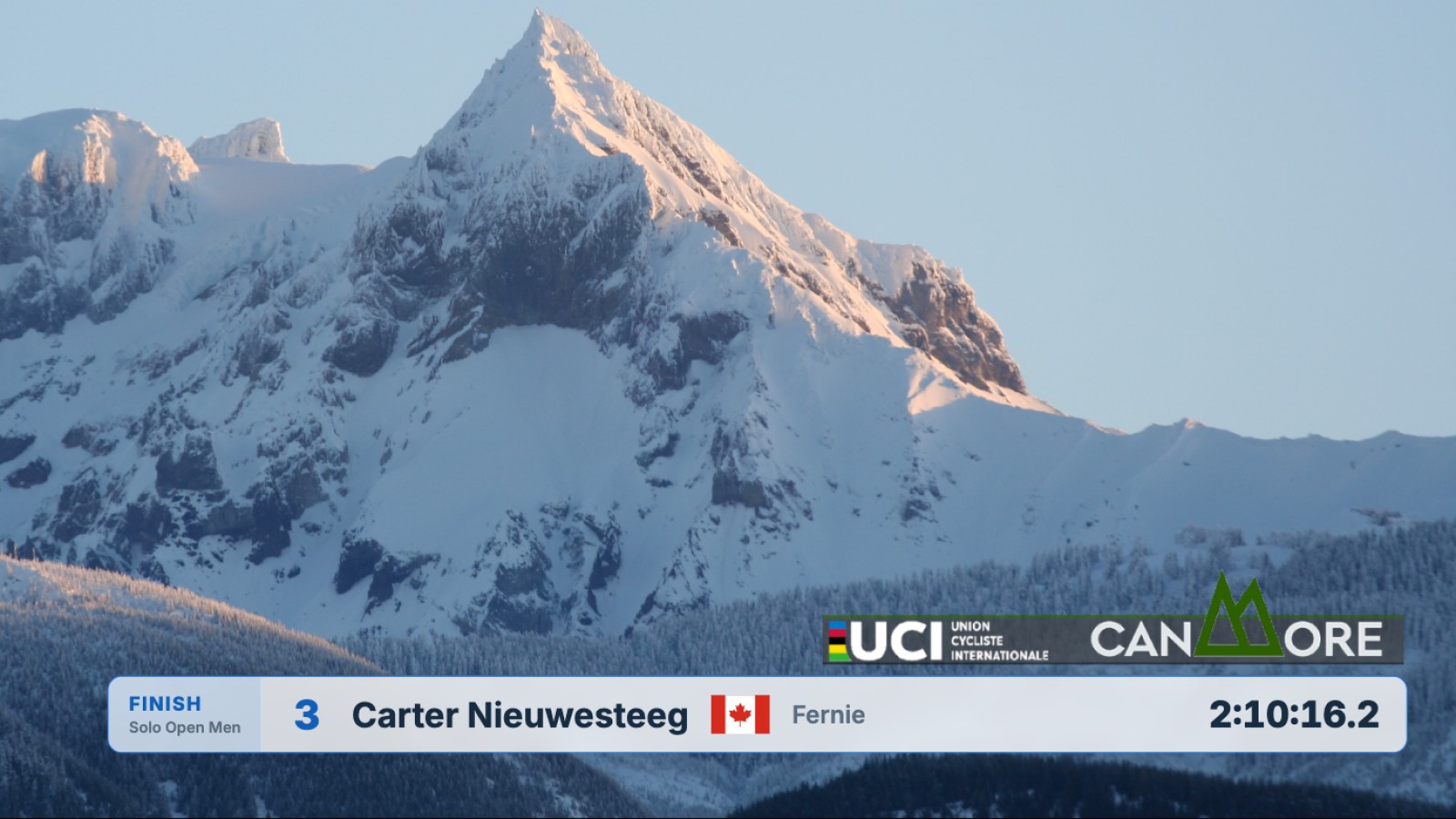
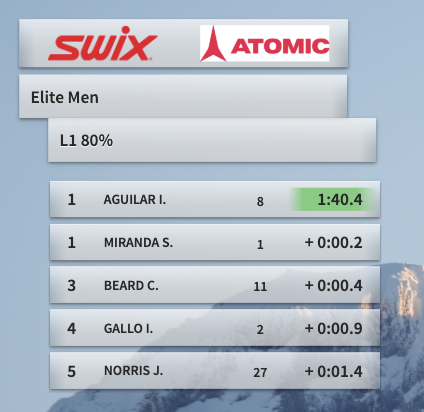
Move from the start list to live splits, the latest athlete through a timing point, athlete spotlights, complete results, and any prepared image your audience needs.
Choose the Production Workflow That Fits Your Event
Start with a few static cameras or add Zone4 graphics to an experienced production team's existing setup.
Simple setup
Stream Directly to YouTube
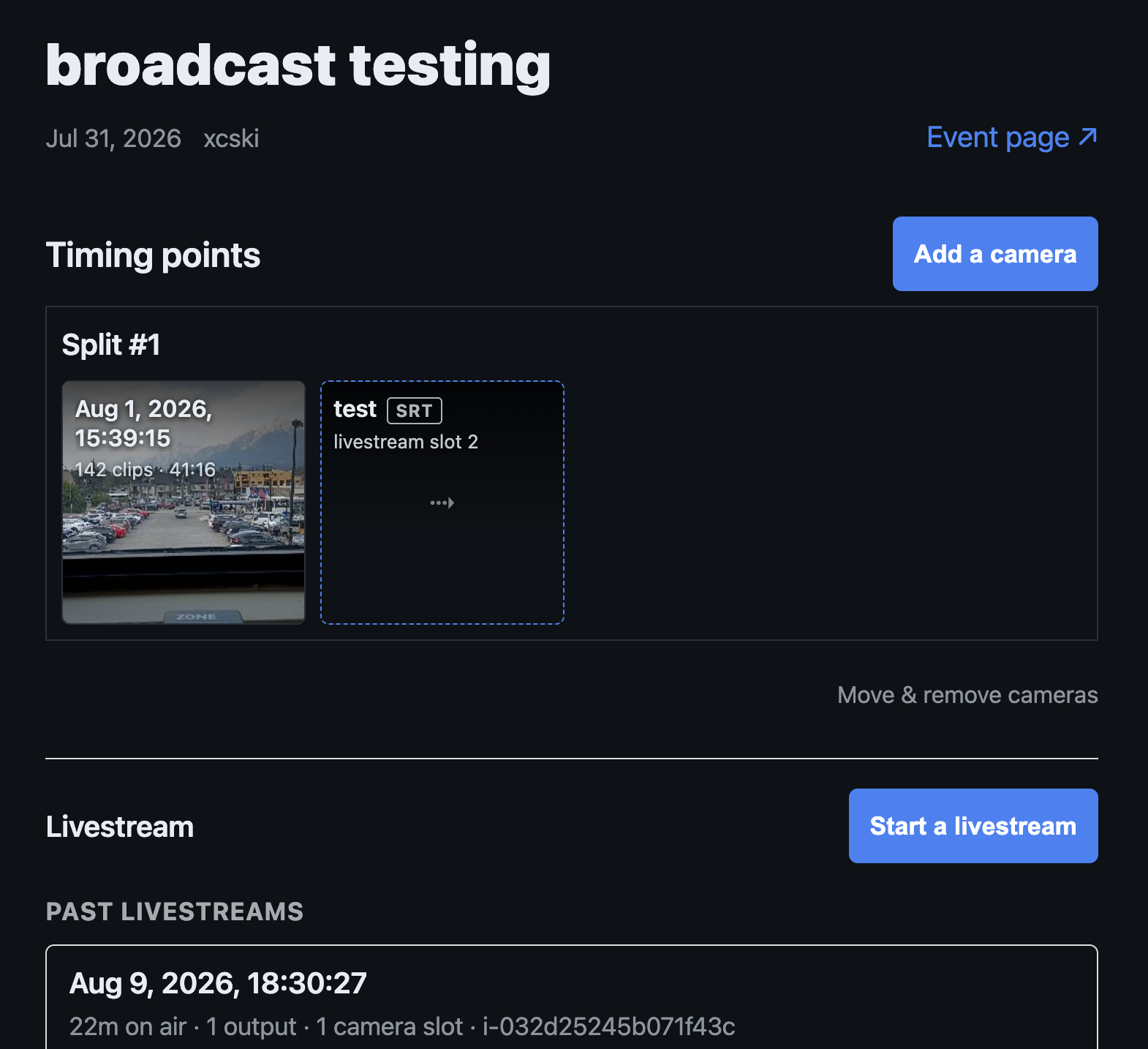
Every package includes the Zone4 Video App. Combine static camera feeds with Zone4 graphics and send the finished production directly to YouTube without an on-site TV production team.
Production team
Build with OBS Studio or vMix
Add timing overlays and race graphics to an existing camera production. Standard unlocks every Broadcast view and remote support; Premium adds custom sponsor graphics, rehearsals, and an on-site graphics operator.
- Keep graphics synchronized with live Zone4 timing data.
- Give each stream, venue screen, and finish-line board its own output.
- Follow leaders, recent arrivals, active groups, heats, or an athlete on camera.
Sponsor visibility built in
Fund Your Race by Showcasing Your Sponsors
Sponsors help make your event possible. Give them valuable on-screen exposure during your broadcast without adding another task for the operator.
- Lite and Standard: Zone4 automatically arranges your sponsor logos into a clean broadcast banner.
- Premium: Get custom sponsor graphics and styling tailored to your event and partners.
- Every audience: Display sponsor branding on YouTube, OBS Studio, vMix, and venue screens.
Sprint heats
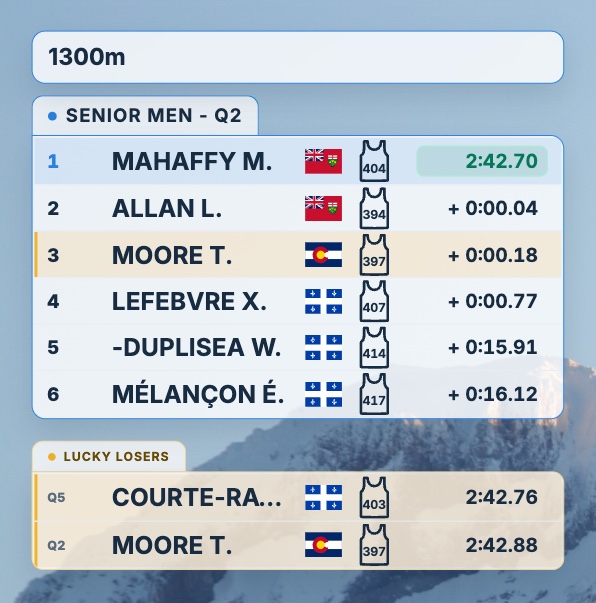
Show Who Is Through as a Lucky Loser
Broadcast shows who holds the lucky-loser spots right now, so viewers know what every heat is racing for.
- Full Page Results: highlighted in the heat and listed under the results.
- Start List: the times the next heat has to beat.
- Live Splits: a card under the live ranking.
On by default for sprint heats, with one setting to hide them in every view.
From Live Timing to the Screen in Three Steps
-
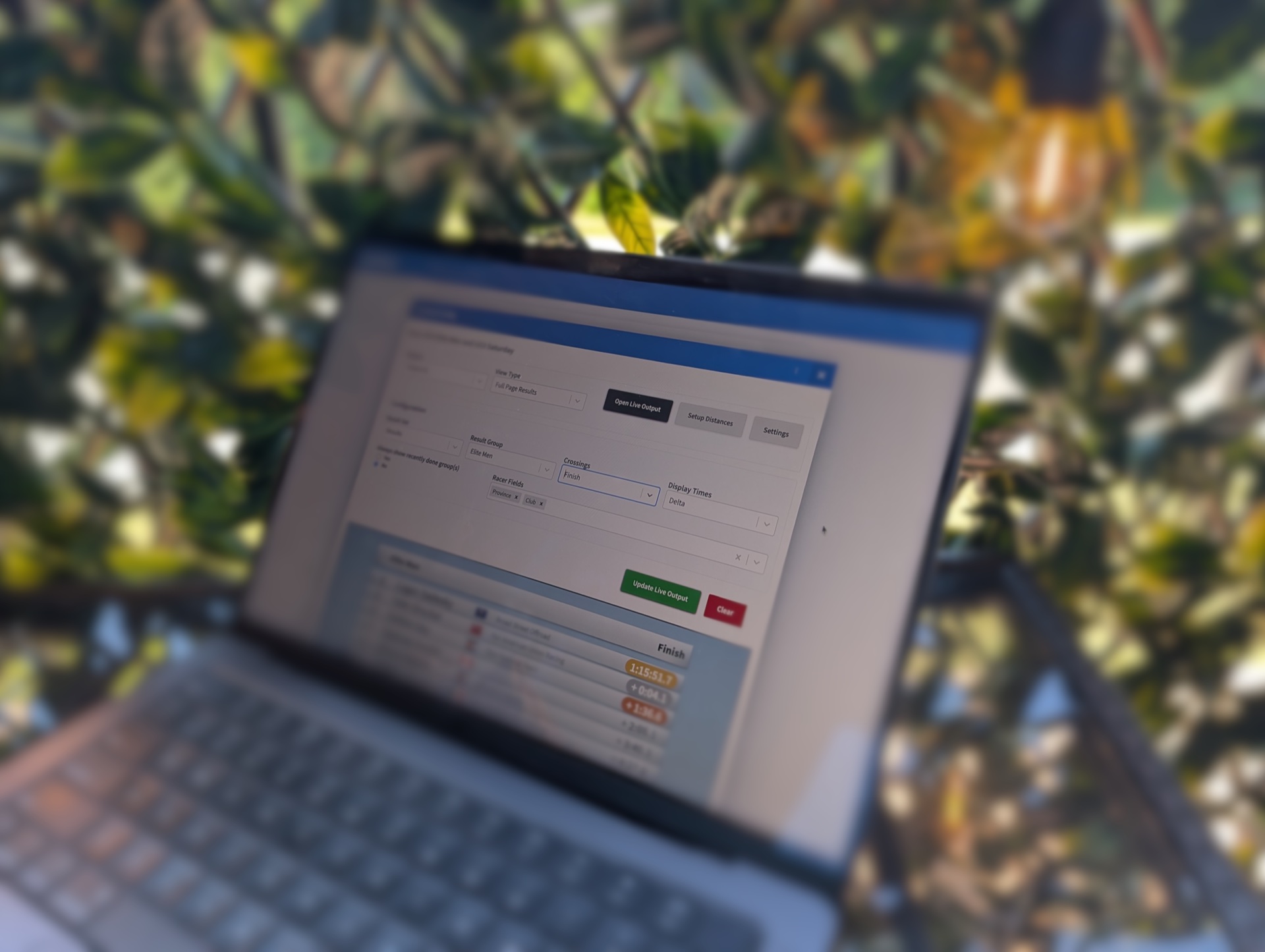
Zone4 receives the timing data
Live race data flows into Broadcast automatically, so nobody needs to re-enter results.
-
Choose what viewers should see
Select the view, category, timing point, athlete fields, flags, logos, and colours for each output.
-
Put it on screen
Send the production to YouTube Live, OBS Studio, vMix, a venue TV, or a finish-line display.
Proven on Race Day
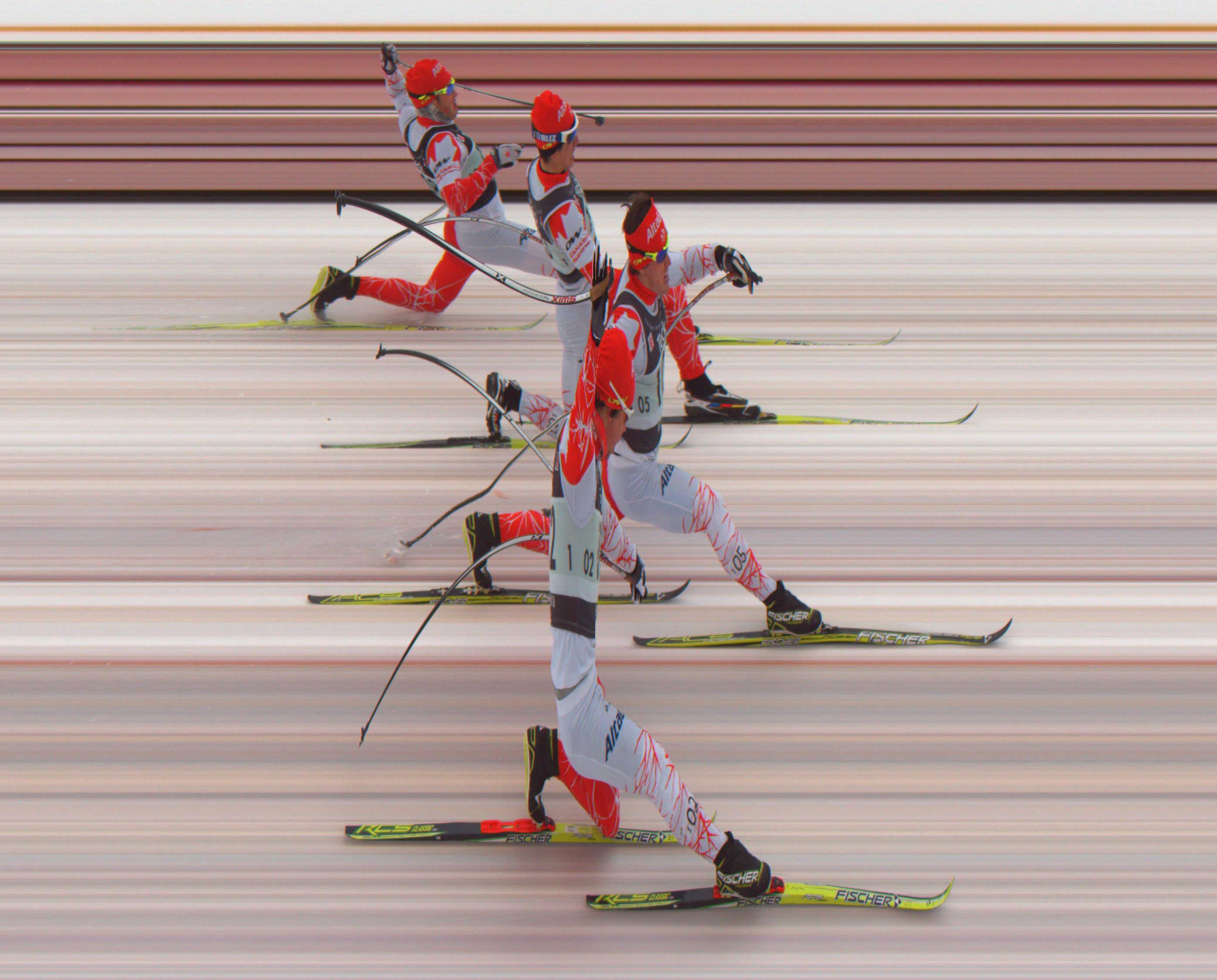
Built in Canada for races of every size.
Zone4 Broadcast supports running, triathlon, cycling, MTB, cross-country skiing, biathlon, and other timed sports from local races to major championships.
Our broadcast-ready timing technology has been trusted at the Para XC and Para Biathlon World Cup races, the UCI Continental Series MTB Classic, Cross-Country Nationals, and the 2026 World Triathlon Cup Edmonton.
Compare Broadcast Software Packages
Every package includes the zone4 Video app. Choose the graphics and production support your race needs.
| Lite US$500.00 / Race day | Standard US$1,750.00 / Race day | Premium US$2,750.00 / Race day | |
|---|---|---|---|
| Best for | Simple YouTube streams and venue TVs | Medium-sized events with remote support | Major events with an on-site operator |
| Start List | ✓ | ✓ | ✓ |
| Full Page Results | ✓ | ✓ | ✓ |
| Image View | ✓ | ✓ | ✓ |
| Latest Crossing | ✓ | ✓ | ✓ |
| Live Splits | - | ✓ | ✓ |
| Single Athlete | - | ✓ | ✓ |
| YouTube, OBS and vMix outputs | ✓ | ✓ | ✓ |
| Sponsors Banner | Automatic | Automatic | Custom |
| Support | - | Online | On Site |
| Custom graphics styling | - | - | ✓ |
| On site graphics operator | - | - | ✓ |
| Extra rehearsals | - | - | ✓ |
Common Broadcast Questions
Do I need a TV production team?
No. The included Zone4 Video app can combine static camera feeds with Zone4 graphics. Standard and Premium are available when you want every graphic view and more production support.
Do I need OBS Studio or vMix?
Not for a direct YouTube stream. Use OBS Studio or vMix when you already have a production team or need to combine Zone4 with a larger camera production.
Does the timing data update automatically?
Yes. Each output updates as Zone4 receives live race data, without re-entering results in the Broadcast app.
What is the difference between Full Page Results and Live Splits?
Full Page Results presents a complete leaderboard with all recorded splits. Live Splits follows new arrivals through a timing point and can track a selected athlete against the current best split.
What can I show with Image View?
Any prepared image, including sponsor takeovers, schedules, course maps, event messages, safety notices, podium graphics, or anything else your audience needs. Upload images once, reuse them across outputs, and adjust their scale before publishing.
Can I customize the graphics?
Lite and Standard automatically arrange sponsor logos into a clean banner. Premium adds custom sponsor graphics and styling for events with specific brand requirements.
Which package should I choose?
Choose Lite for simple YouTube streams and venue screens, Standard for medium-sized events that need every graphic view and remote support, or Premium for major events that need custom graphics, rehearsals, and an on-site operator.
See the
Zone4 Documentation
for more details on all of the Zone4 Broadcast Software features.
Ready to take your race broadcast to the next level? Contact Zone4 and we can help you add live
broadcast graphics to your next event.